



The Coral Gables accounting firm spent four hours every Friday on the same task. The bookkeeper opened the inbox, found receipts forwarded by clients during the week, downloaded each one, renamed the file, dropped it in the right client folder, and entered the line items into QuickBooks. Four hours. Every Friday. By a person who would much rather be doing actual accounting.
We replaced it with one automation in an afternoon. Total monthly cost: $42. Bookkeeper time recovered: sixteen hours a month. The firm did not become "an AI company." Nothing big changed in their strategy. They just stopped losing a half-day a week to file moving.
This is the conversation we want every Miami small business to be having about AI in 2026. Not "how do we transform our entire operation." Just "what is one boring task we can automate next week." Five small wins beat one giant initiative every time.
This post is the playbook. Five AI automations you can ship in 30 days, ranked by speed-to-value. Each one with the tools we pair, the rough cost, and the time it usually takes to install. If you want our team to ship them for you, our AI agents service is built for exactly this kind of work.
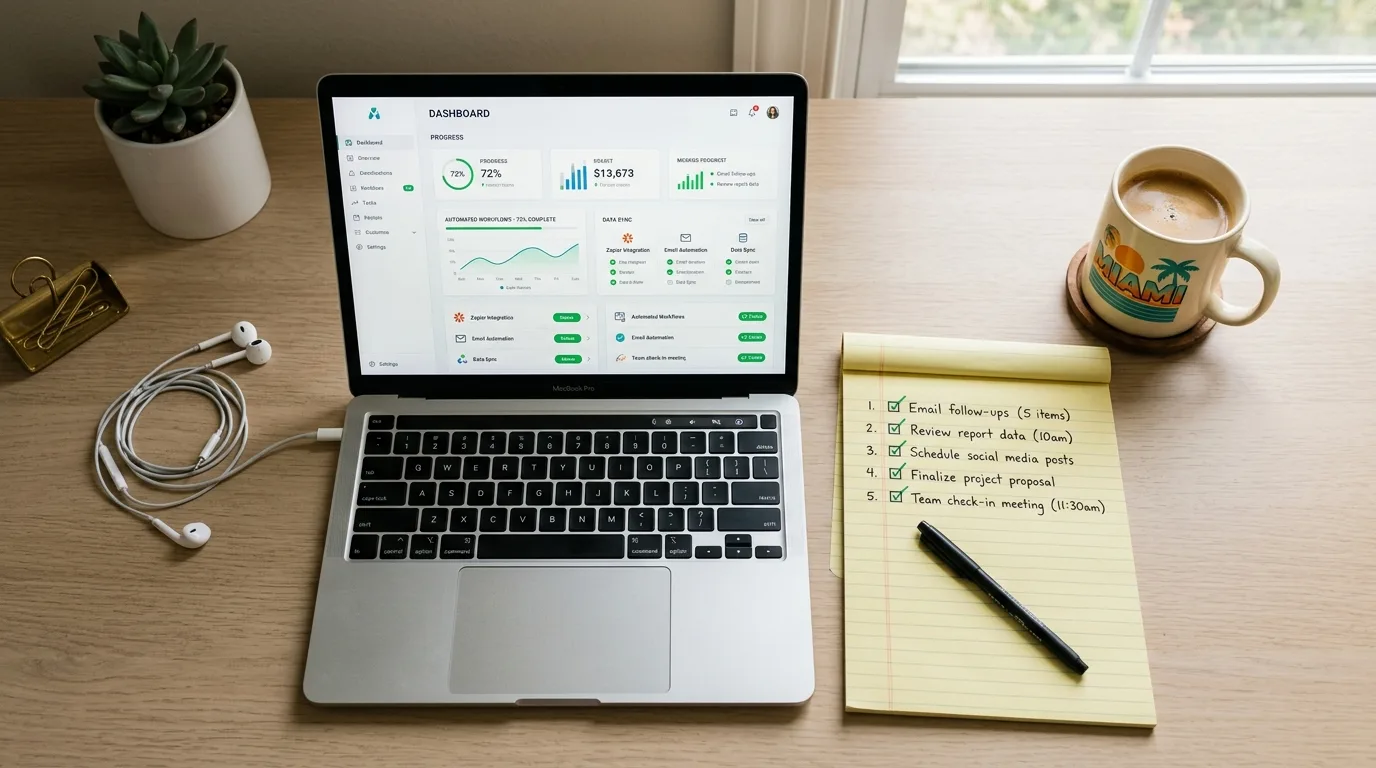
Automation 1: The Inbox Triage Agent
The problem: your inbox is a swamp of newsletters, sales pitches, real client messages, billing reminders, and the one urgent thing you missed because it came in between two newsletters.
The fix: an AI agent that reads every incoming email, classifies it (real client, prospect, vendor, bill, newsletter, junk), tags it, drafts a reply for the human-handle ones, and surfaces the urgent items in a short morning digest.
Tools we pair: Gmail or Outlook on one end, Zapier or n8n in the middle, Claude or GPT-4 for the classification and drafting.
Time to install: 4 to 8 hours.
Monthly cost: $30 to $80, depending on volume.
What you get back: most owners we deploy this for save 45 to 90 minutes a day. The morning digest is the killer feature. You open one short email at 8 a.m. that tells you the three things that need a human reply today, with drafted responses you can edit and send.
Where it goes wrong: trusting the agent to send replies without human review. Do not. The agent drafts, you send. This is the rule for the first three months at minimum.
Automation 2: The Lead Capture and Routing Agent
The problem: leads come in from your website form, your Instagram DMs, your Google Business Profile messages, your WhatsApp, and the occasional phone call. Some get a fast reply. Some sit for two days. Some get lost.
The fix: a single agent that watches every channel, captures the lead with full context, asks two or three qualifying questions, and routes to the right person on your team with the conversation history attached.
Tools we pair: your website form, the Meta Business Suite for Instagram and WhatsApp, the GBP API, a CRM like HubSpot, Pipedrive, or GoHighLevel, and an AI layer (we usually build this on top of our AI chatbot service for the conversation handling).
Time to install: one to two weeks.
Monthly cost: $120 to $400, depending on channels and volume.
What you get back: response time on inbound leads drops from hours to under a minute, qualified lead volume usually climbs 20 to 35 percent in the first quarter because no lead gets dropped, and your team stops triaging in five different apps.
Where it goes wrong: deploying it without a clean CRM. The agent needs a place to write to. If your "CRM" is a shared spreadsheet that two people argue over, fix the CRM first.
Automation 3: The Document Generator
The problem: you write the same proposal, contract, scope document, or invoice over and over with small variations. Each one takes 30 to 90 minutes. You forget the new client's name in one paragraph. You email the wrong attachment.
The fix: a generator that takes a short brief (client name, scope, budget, timeline) and produces a polished, on-brand document ready to send. Built on top of a template library you control.
Tools we pair: Google Docs or Microsoft Word templates, a workflow engine (Make.com, Zapier, or n8n), an LLM for the personalization, and a CRM trigger so the document is created the moment a deal hits a specific pipeline stage.
Time to install: one to two weeks for the first three document types.
Monthly cost: $40 to $120.
What you get back: a 90-minute proposal becomes a 10-minute one. The 10 minutes is for editing the generated draft, not building it. Across a year, this single automation has paid for the entire automation stack for most clients we deploy it for.
Where it goes wrong: skipping the brand voice work. If your templates are formal but the generator writes casually, the documents will not land. Spend an afternoon teaching the system your voice with five or six good examples. The output quality changes dramatically.
Automation 4: The Review Request and Reply Agent
The problem: you know reviews matter. You also know you forget to ask, you forget to follow up, and you definitely forget to reply to the negative ones within 48 hours.
The fix: an agent that triggers a review request at the right moment (we use 48 hours after a service or transaction), sends it in the customer's language, follows up once if there is no response, and drafts a personalized reply for every review that lands on Google, Yelp, or Facebook.
Tools we pair: your CRM or POS for the trigger, a messaging service (Twilio for SMS, SendGrid for email), the review platform APIs, and an AI layer for the personalized drafts.
Time to install: one week.
Monthly cost: $50 to $150.
What you get back: review volume usually doubles in the first 60 days. Average reply time drops from a week to under 24 hours. Your Google Business Profile rank moves because review velocity and reply rate are real ranking signals in 2026.
Where it goes wrong: automating the send without automating the listen. If the agent fires review requests but you do not reply to the responses, you are inviting one-star reviews from people who feel ignored. Wire both directions.
If you want to scope this kind of build for your business, our pricing page lays out where these automations usually fit, and we will sketch the path in plain language.

Automation 5: The Weekly Report
The problem: you want to know how the business is doing. You do not want to spend 90 minutes pulling numbers from Google Analytics, Stripe, your CRM, your ads platform, and your inbox to find out.
The fix: an agent that pulls the key numbers from your stack every Monday morning, writes a short narrative summary, and drops it in your inbox or Slack before you start your day.
Tools we pair: Google Analytics 4, Stripe, your CRM, your ads platform, a workflow engine, and an LLM for the narrative writing.
Time to install: 4 to 12 hours, depending on how many sources you want pulled.
Monthly cost: $20 to $80.
What you get back: 90 minutes a week saved on report-pulling, plus the genuinely useful thing of actually reading the report because it is short and in plain language instead of a wall of charts. Most owners we deploy this for did not have a regular review habit before. Now they do.
Where it goes wrong: pulling too much. If the report has 14 metrics, you will not read it. Start with 5 numbers and the one change you should consider this week. Add metrics only when you find yourself wishing you had them.
What to Ship First, Second, and Third
We get asked this constantly. Here is the order we recommend for most Miami small businesses.
Week 1 to 2: ship the inbox triage agent and the review request agent. Both are fast, both deliver visible value immediately, and both create the muscle memory of using automation daily.
Week 3: ship the weekly report. It is small, it is fast, and it gives you the dashboard you will need to measure the bigger automations as they roll out.
Week 4: start the lead capture and routing agent. This is the biggest revenue lever of the five but it takes the longest to install correctly. Beginning it in week four means it launches in the middle of week six or so.
Ongoing: queue the document generator after the lead agent is stable. It is the highest-ROI single automation for businesses that send a lot of proposals, but it depends on the CRM and brand voice work being clean.
If you try to do all five in week one, you will do none of them well. Sequence matters.
The Tools We Actually Use
We are platform-agnostic but we do have preferences. Here is the honest stack we deploy most often in 2026 for Miami small businesses.
For workflow automation: n8n if the client wants self-hosted control, Make.com for fastest setup, Zapier for the broadest tool coverage.
For the AI layer: Claude for anything that needs nuanced writing and long context, GPT-4 class models for general classification and structured output, smaller open models for cost-sensitive high-volume tasks.
For CRM: HubSpot for businesses that want a polished interface and have the budget, Pipedrive for sales-heavy small teams, GoHighLevel for marketing-heavy small teams and agencies.
For integrations and APIs: our API integrations service covers the connection layer when off-the-shelf workflow tools cannot reach the system you need.
For monitoring and observability: a simple Slack channel that surfaces every automation success and failure. If the team cannot see the agent working, they cannot trust it.
What These Automations Will Not Do
A few honest limits.
They will not replace strategy. An AI agent will not tell you which clients to pursue, which products to drop, or which markets to enter. That is still on you.
They will not fix a broken process. If your sales handoff is messy, automating the messy handoff just makes the mess faster. Fix the process first, then automate it.
They will not run themselves. Every automation we ship needs a human owner who reviews it weekly, tunes the prompts when the output drifts, and pulls the plug when something is wrong. Plan for that.
They will not save you from over-promising. The temptation is to roll all five out, promise the team a productivity revolution, and create resentment when month one is messy. Roll out slowly, measure honestly, share the time savings publicly.
The One Thing to Do Tomorrow
Pick one of the five automations and write down the exact tasks it would replace this week. If the answer is "more than two hours of work," ship it next week. If the answer is "less than 30 minutes," skip it and pick a different one.
When you are ready to ship the first one, start a project with us and we will look at your current stack, your busiest hour, and your most repetitive task, and tell you which of the five will pay off fastest for your specific business.