
The Coral Gables bistro was doing $1.2 million a year with a website that had four pages: home, menu (a PDF), about, contact. The menu PDF was six months old. The reservation link went to a dead OpenTable page. The contact form emailed the previous owner. On a busy Saturday they turned away nine walk-ins because the site did not tell them the wait was 40 minutes and the bar was open.
We rebuilt the site with nine pages. The new site launched on a Tuesday and by the following Sunday online reservations were up 34 percent. Nothing about the food changed. Nothing about the reputation changed. The website stopped losing bookings and started catching them.
This post is the exact page list we ship for Miami restaurants in 2026, in the order we build them. Nine pages, plus one bonus that most owners skip and lose money because of it. If you want us on the build, our website design service is built around this kind of hospitality work.
A note on scope. This is for full-service Miami restaurants and cafes doing at least $40,000 a month in revenue. Ghost kitchens, food trucks, and pop-ups need a different structure. Casual takeout-first spots can strip this list down. Fine dining should generally expand it.
Page 1: The Home Page That Books, Not Just Impresses
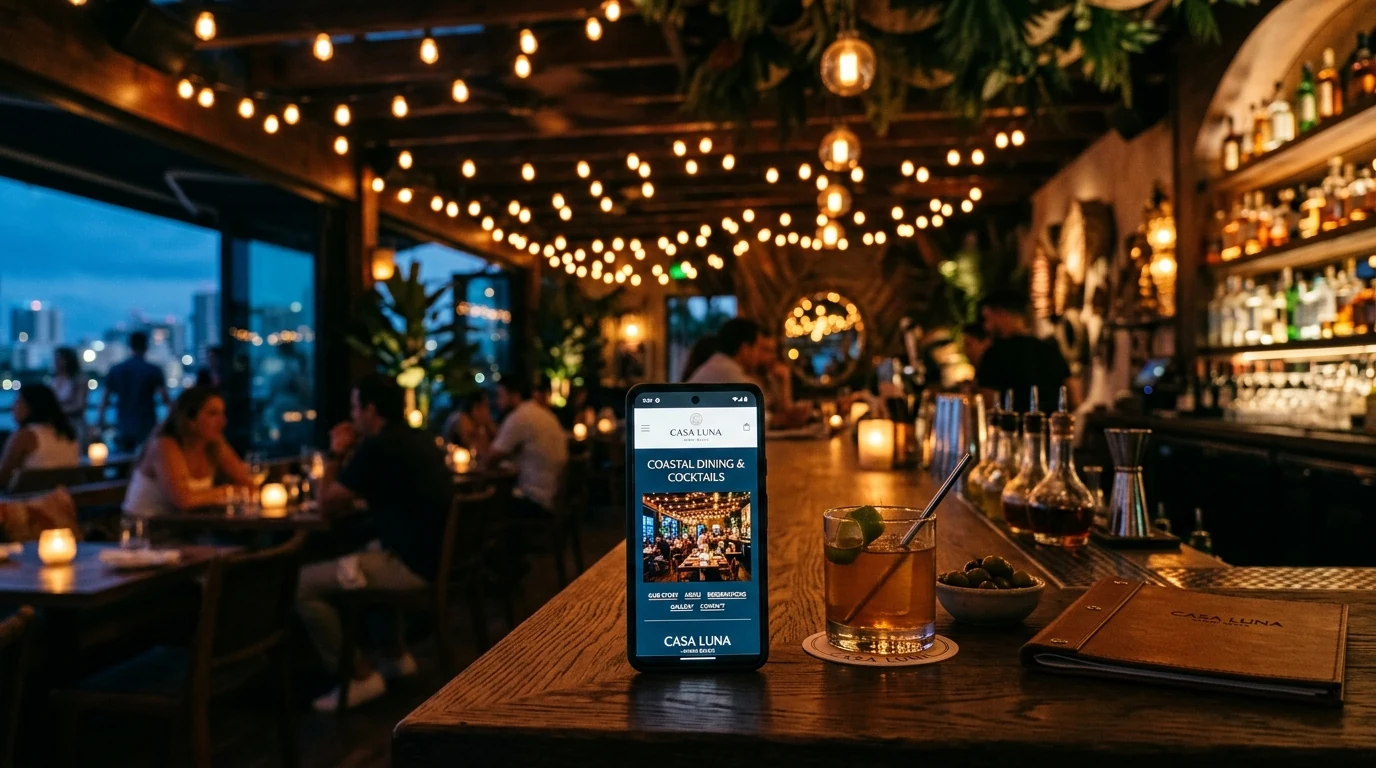
The home page has one job. Get the visitor to book, order, or find the door. Everything else is secondary.
Above the fold: one strong hero photo (a signature dish or a room shot, not a stock image), the restaurant name, one sentence about what makes you different, a "Book a Table" button, a "View Menu" button, and today's hours. That is it. Nothing else.
Below the fold: three anchor sections that most Miami restaurants get wrong. First, three menu highlights with prices and photos, linking to the menu page. Second, a short "About" paragraph with a link to the fuller story. Third, three recent reviews or a Google rating widget.
The mistake most restaurants make is a home page that reads like a brochure. Long paragraphs about "passion for the craft." Autoplay hero videos. Multiple carousel sections. Every one of these delays the booking. Cut them.
Load in under two seconds on a mobile 4G connection. If your current site does not, that is fixable before you touch the design work.
Page 2: The Menu Page (Actually a Page, Not a PDF)
If your menu is a PDF, you are losing search traffic, mobile visitors, and Google Business Profile match signals. Every restaurant we onboard has this problem. Fix it first.
The menu page is a real page with real HTML, structured with schema markup, sectioned by course, with prices, photos on every hero dish, and dietary tags (vegetarian, vegan, gluten-free, contains nuts, spicy). Descriptions are two to three sentences that sell the dish, not clinical ingredient lists.
For Miami restaurants specifically, run the menu in both English and Spanish on the same page (either side by side or with a language toggle). This doubles your search visibility for menu queries and improves the experience for a meaningful share of your customers.
Update the menu monthly at minimum. Weekly if you rotate specials. The freshness signal alone lifts your Google ranking.
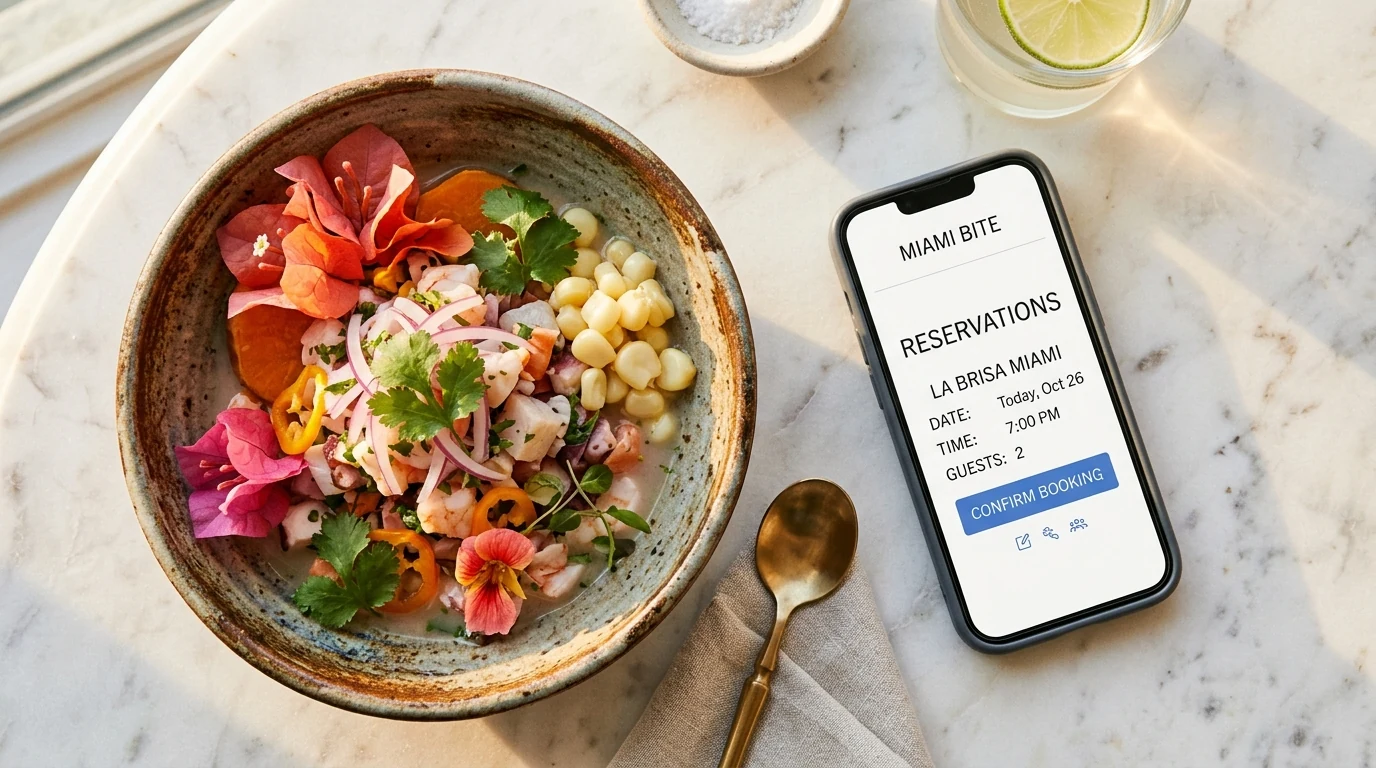
Page 3: The Reservations Page
Not a link to OpenTable in the header. A page. Even if the booking widget is embedded from OpenTable, Resy, SevenRooms, or Tock, own the URL.
The reservations page includes: the embedded booking widget above the fold, hours and last-seating times, private dining and group booking information with a form for parties larger than eight, a section for the cancellation and no-show policy, and a line about what to do if the widget is not showing availability for your desired time (typically "call us or DM us on Instagram").
Restaurants that skip the private dining section on the reservations page lose an entire revenue category to competitors who mention it. Miami has real demand for private and semi-private bookings, especially in Brickell and the Beach. Do not bury it.
Page 4: The Online Ordering Page (If You Do Takeout or Delivery)
Same rule as reservations. Own the URL. Embed the ordering widget from Toast, Square, Owner, or your POS provider. Add a section for catering orders with a form, minimum party size, and lead time.
Miami restaurants often try to route customers to third-party apps (DoorDash, Uber Eats, Grubhub) and lose the margin. A first-party ordering page recovers 6 to 12 points of margin per order and captures the customer's data. That last part matters more than the margin over 12 months.
Page 5: The About or Story Page
The story page is where trust is built. Most Miami restaurant story pages are bad in the same way. They talk about "passion" and "the journey" and read like ChatGPT wrote them.
Better: name the specific origin. The chef trained where. The concept started because. The name means. The neighborhood matters because. Include photos of the team (real, not stock). Include the founding date. Include press mentions if any exist.
For family-run restaurants, this is where family history goes. For chef-driven concepts, this is where the resume goes. For neighborhood spots, this is where the ties to Wynwood, Coconut Grove, or Calle Ocho go. Specifics.
If you have won awards or been featured in press, list them here with dates and links. Google reads this. Customers read this. It matters.
Page 6: The Private Events and Catering Page
This is the page most Miami restaurants skip. It is also the highest-ROI page in the list.
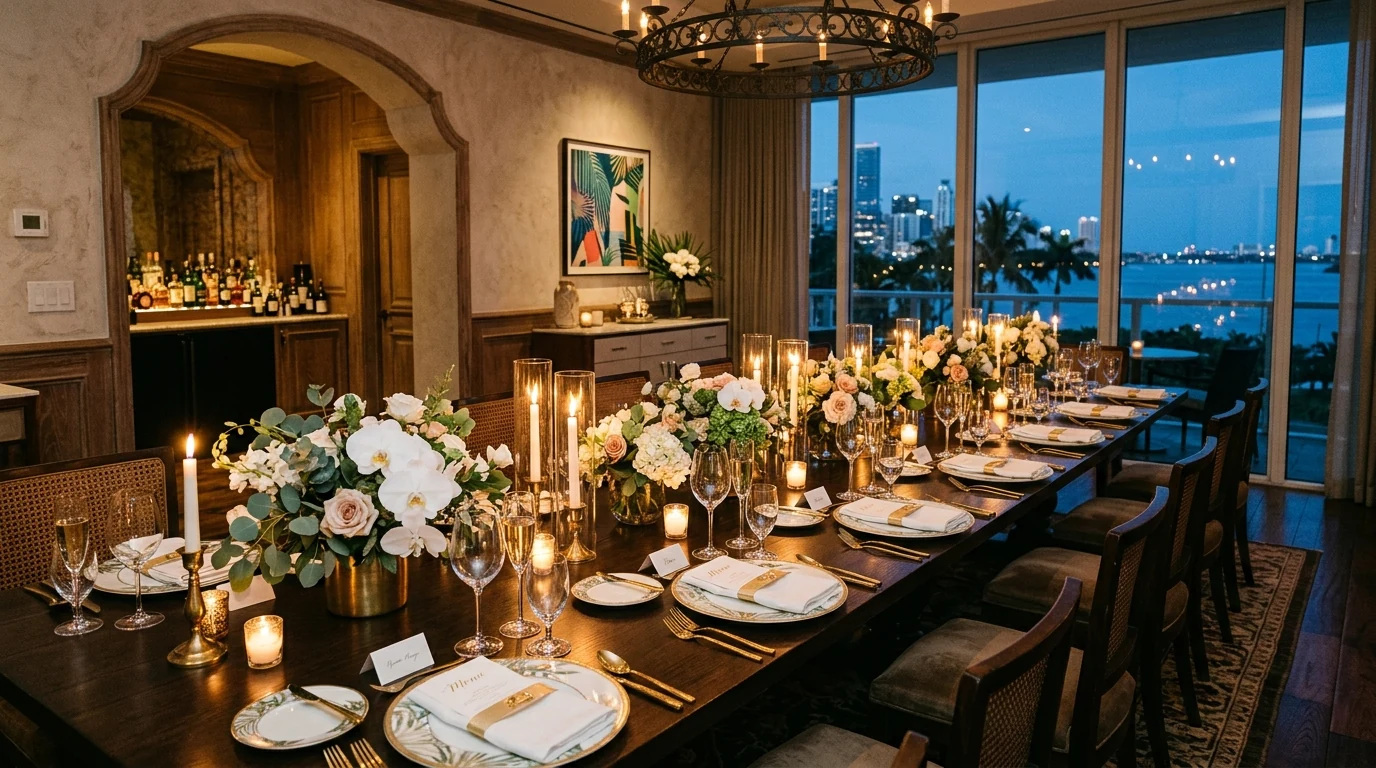
Miami has enormous demand for private dining and event catering. Weddings, corporate lunches, Art Basel events, cruise turnaround weekends. If your website does not have a dedicated page for this, buyers who are ready to spend $3,000 to $30,000 on a booking will click past you.
The page includes: capacity for each private space, menu options for events (or a note about customization), pricing ranges (yes, actual ranges, at least "starting at"), lead time for booking, a real photo gallery of the space set up for events, past client logos if you can share them, and a clear form with the questions you need answered to send a quote.
If you serve catering off-premise, add a section for that with a delivery radius, minimum order, and lead time.
Page 7: The Reviews and Press Page
A page that pulls in your Google reviews, aggregates your press mentions, and includes any awards or badges. This is the trust-boosting page for anyone who is unsure whether to book.
Embed the live Google reviews with a filter for four and five star. Include a short "as featured in" section with logos of any press coverage. Include a testimonials section for private event clients (with permission).
Update this quarterly. If you win an award or get press coverage, update the day it lands.
Page 8: The Contact Page (That Actually Answers)
The contact page is not a form and a phone number. It is a page that answers the top questions your host stand fields daily.
Include: address with a Google Map embed, hours (and holiday hours), phone number that a human answers, email that a human reads, DM handles for Instagram and WhatsApp if you accept bookings there, parking information (specific to Miami, this is a real question), the closest cross streets, valet or garage rates if relevant, dress code if you have one, and accessibility notes.
Most Miami restaurants underestimate how much friction their contact page removes. A visitor who cannot find parking information will not book. A visitor who cannot confirm the dress code will not book. Solve both.
If you want to remove even more friction, connect an AI chatbot for after-hours inquiries. Our AI chatbot service shows how we set this up for Miami hospitality clients.
Page 9: The Local Landing Page
If you serve more than one Miami neighborhood or a specific tourist audience, build a landing page for each. "Best restaurants in Brickell" targets a different visitor than "best Miami Beach restaurants" or "romantic dinner Coral Gables."
Each landing page includes: a real headline for that audience, three menu highlights that match their expected occasion, hours specific to that neighborhood's rhythm (late-night for the Beach, business lunch for Brickell), directions from a landmark or hotel, parking notes, and a clear booking CTA.
These pages are the fastest way to rank for the neighborhood + cuisine queries that drive discovery. Our local SEO service covers how we pair these pages with your Google Business Profile.
The Bonus Page Most Restaurants Skip
The FAQ page. Boring name, high impact.
Every question you get asked more than twice a week goes here. Do you take walk-ins. What are your slowest and busiest hours. Do you have vegan options. Is the patio dog-friendly. Do you validate parking. What is the corkage fee. Do you split checks. What is the deposit policy for large parties.
A good FAQ page reduces host-stand phone volume by 20 to 40 percent, feeds structured answers to Google (which shows them in search), and answers the questions that would otherwise cause a booking to be abandoned.
Ten to fifteen questions is plenty. Update quarterly.
The Build Order
We ship these pages in this order. Not because the later ones are less important, but because the early ones move the numbers fastest.
Weeks one to two: home page, menu page, reservations page. This is the minimum viable restaurant site and it earns money immediately.
Weeks three to four: about page, contact page, online ordering page. Trust and friction reduction.
Weeks five to six: private events page, reviews page, FAQ page. Higher-margin revenue and objection handling.
Weeks seven onward: local landing pages, one per neighborhood or occasion you want to rank for.
Total time to a full site: about six to eight weeks with a decent agency and a responsive owner. Longer if the menu photography does not exist yet, which is common. Shoot the photography in week one. It is the constraint on everything else.
The One Thing to Do Tomorrow
Open your current restaurant website on your phone. Try to make a reservation. Time yourself. If it takes more than 45 seconds from landing on the home page to a confirmed booking, you are losing customers to the friction. Fix that flow before anything else.
When you are ready to run the full nine-page build, look at our restaurant work in the portfolio for examples, then reach out and we will scope your specific concept, neighborhood, and revenue targets.