

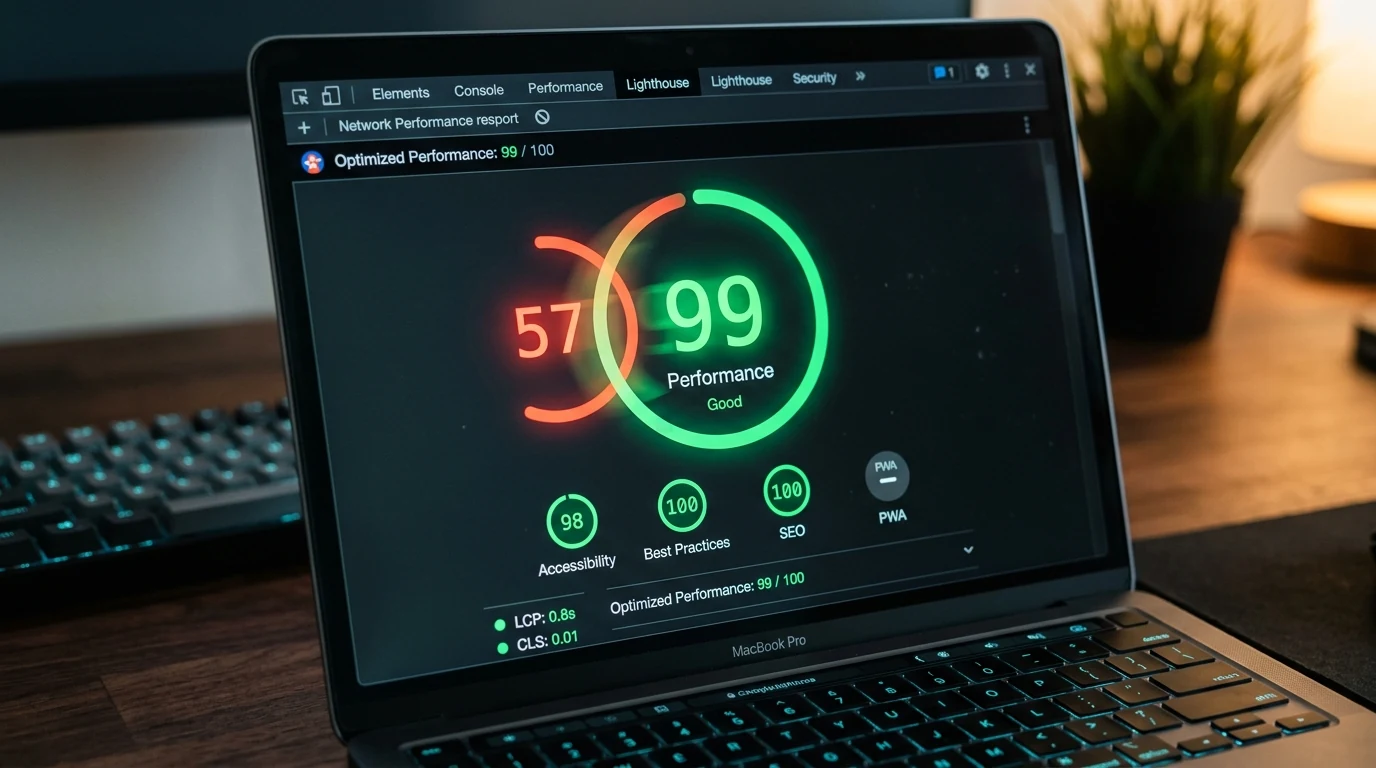
Primal Fit Miami came to us with a website that took 6.2 seconds to load on a mobile 4G connection. The homepage was a 12 megabyte JPEG carousel behind a WordPress theme that stacked eleven plugins on top of each other. Their Google Analytics showed 61 percent of mobile visitors leaving before the page finished rendering. That is not marketing, that is a slow leak.
Six weeks later the rebuilt site loaded in 2.1 seconds on the same connection. Bounce rate on the home page dropped by 47 percent. Booked sessions from organic search climbed 38 percent. We charged them for the rebuild once. The speed keeps paying them back monthly.
This post is the exact fix order we run when a Miami business calls us about a slow site. Seven fixes, ranked by impact, with what each one does and roughly how much lift to expect. If you want us to run this for your site, our website redesign service is built around exactly this kind of performance work.
A note on the numbers. Every site is different. The lift ranges here are averages from Miami small business sites we have measured in the last 12 months. Your site may see more. Your site may see less. Ship the fixes in order and you will find out.
Fix 1: Cut the Hero Image (It Is Always the Hero Image)
The number one cause of slow Miami small business websites is a giant hero image or hero video above the fold. We have measured hero assets from 8 megabytes to 74 megabytes on live business sites. Every one of those megabytes is dead weight the visitor's phone downloads before anything else happens.
The fix is simple. Convert the hero image to WebP or AVIF. Cap the file size at 200 kilobytes for a photo, 40 kilobytes for a graphic. If you use a hero video, replace it with a still image and consider whether the video adds real value (it usually does not for small business sites).
Expected lift: 1.5 to 3 seconds off the first meaningful paint. This one fix moves more than the next three combined on most Miami sites we audit.
Fix 2: Kill the Plugin Graveyard
WordPress sites accumulate plugins the way garages accumulate junk. Every plugin adds JavaScript that runs on every page, whether you use the feature or not. Ten plugins is normal. Twenty is a problem. Forty is a crisis.
Audit your active plugins. For each one, ask: is this feature currently used, does the site break if the plugin is off, and is there a native or lightweight alternative. Deactivate every plugin that fails those tests. Delete deactivated plugins so they cannot be reactivated by accident.
Expected lift: 0.5 to 2 seconds. Also improves security and reduces the surface area for attacks.
If you are on Webflow, Shopify, or a custom Nuxt or Next build, this fix is usually irrelevant. WordPress is where this problem lives.
Fix 3: Fix the Third-Party Script Pile-Up
Google Analytics. Meta Pixel. TikTok Pixel. LinkedIn Insight. Hotjar. Klaviyo. Intercom. A Miami restaurant we audited had 14 third-party scripts loading on every page. Each one added between 50 and 400 milliseconds to load time. The stack, combined, added 2.8 seconds.
The fix is to audit ruthlessly. Any script that is not currently producing marketing or product value comes off. The remaining scripts get loaded through Google Tag Manager with proper deferral. Scripts that need to fire on interaction (chat widgets, popup managers) should not fire on page load.
Expected lift: 0.5 to 1.5 seconds. Cheapest win to argue for internally.
Fix 4: Fix the Font Loading
Custom fonts are lovely. Custom fonts loaded badly cost you conversions. Miami design agencies love to serve fonts through Adobe Fonts and Google Fonts with no font-display strategy, which causes invisible text during the second or two the font is downloading.
The fix has two parts. First, self-host the fonts on your own CDN or use only the font weights you actually need. Second, set font-display: swap so the fallback font renders immediately and swaps in when the custom font is ready.
Expected lift: 0.3 to 1 second on Largest Contentful Paint, plus a real bump in perceived speed because the page no longer stares back at the visitor with invisible copy.
Fix 5: Move to a Modern Hosting Setup
A lot of Miami small business websites run on shared hosting at GoDaddy, HostGator, or Bluehost. Shared hosting is cheap for a reason. Response times of 800 to 2,000 milliseconds are common. In 2026, that is not acceptable.
The fix depends on your platform. For WordPress: move to Kinsta, WP Engine, Cloudways, or Pressable. For Webflow, Shopify, or Next: you are usually already on a fast host, but check that the CDN is properly configured and that images are being served from an edge. For a custom Nuxt or Next site: Vercel, Cloudflare Pages, or Netlify.
Add Cloudflare in front of whatever you have. Free tier is fine to start. Turn on Brotli compression, HTTP/3, and the "Auto Minify" option for HTML, CSS, and JS.
Expected lift: 200 to 800 milliseconds off Time to First Byte. Also improves reliability during Miami storm season when local infrastructure can hiccup.
If you want us to run this migration for you, our website maintenance service covers the ongoing part after we ship the fix.
Fix 6: Optimize the Rest of the Images
You fixed the hero image in step one. Now do the rest of them.
Every image on every page gets three changes. Convert to WebP or AVIF. Serve at the actual displayed dimensions (a 3000 pixel wide image displayed at 600 pixels is wasting 2400 pixels of bandwidth). Add loading="lazy" to any image below the fold so the browser can defer downloading it.
For photo-heavy sites (restaurants, portfolios, real estate), use a modern image CDN like Cloudinary, Imgix, or the built-in ones in Webflow and Next. They automatically serve the right format and size to each device.
Expected lift: 0.5 to 2 seconds on Largest Contentful Paint. Also cuts your bandwidth bill on high-traffic pages.
Fix 7: Reduce the JavaScript Bundle
This is the one that requires a developer. Most sites carry JavaScript they do not use, imported from libraries loaded for a single component. The fix is auditing the bundle with a tool like WebPageTest or Chrome DevTools, identifying the biggest offenders, and either code-splitting them (so they load only on the pages that need them) or replacing them with lighter alternatives.
For WordPress, this means auditing theme and plugin JavaScript. For custom builds, this means running a bundle analyzer and treating anything over 200 kilobytes as suspicious. For no-code platforms like Webflow, this means turning off animations, interactions, and integrations you are not using.
Expected lift: 200 to 800 milliseconds on Total Blocking Time. Also improves the Interaction to Next Paint score, which is a Core Web Vital as of 2024.
What Fixes Come After These Seven
Once these seven are shipped, three additional projects usually earn their keep on Miami business sites.
Preload critical resources. Add <link rel="preload"> tags for your hero font, hero image, and any critical CSS so the browser starts downloading them immediately.
Serve HTML statically. Move dynamic pages to statically generated HTML where possible. For WordPress, this means using a static site generator (WP2Static, Simply Static) or an aggressive full-page cache. For Nuxt or Next, this means static site generation with incremental static regeneration.
Optimize the database. On WordPress, run a database cleanup (post revisions, expired transients, spam comments) monthly. On any custom build, add proper indexes to the queries that run on high-traffic pages.
What Slow Sites Cost You in Miami Specifically
Three Miami-specific costs are worth naming.
Mobile-first search. Miami is a heavily mobile market. Tourists on phones, contractors in trucks, delivery drivers, customers walking the Beach. If your site does not load fast on a 4G connection, you are invisible to a huge share of your local audience.
Hurricane season traffic patterns. During and after storms, Miami internet infrastructure can slow down. A site that already loads in five seconds becomes unusable in a storm week. Fast sites stay usable, which is when your customers most need to reach you.
Bilingual overhead. If your site serves English and Spanish, doubling the content without addressing performance compounds slow load times. A well-built bilingual site should not be slower than a monolingual one.
If you want to see what a fast Miami small business site looks like, our portfolio has examples with the Lighthouse scores visible.
How to Measure the Wins
Before you ship any fix, capture the baseline. After each fix, remeasure.
Run PageSpeed Insights on three pages: your home, your top service or menu page, and your contact or booking page. Note the mobile scores for Performance, Largest Contentful Paint, Interaction to Next Paint, and Cumulative Layout Shift. Save the numbers.
Ship one fix. Wait 24 hours. Remeasure. If the number moved, keep it. If it did not, verify the change was actually deployed.
By fix seven, your mobile Performance score should be above 85 for a WordPress site or above 95 for a modern custom build. If it is not, something is wrong. Rerun the audit before adding more optimizations.
The One Thing to Do Tomorrow
Open PageSpeed Insights and test your home page on mobile. If the Performance score is below 70, fix the hero image this week. That single fix will move the number more than anything else on the site.
When you are ready to run the full seven-fix playbook, start a project with us and we will scope it for your platform, your traffic patterns, and whichever Miami storm we are dodging that week.